
A TikTok payment fail is one of the most common issues advertisers encounter when running campaigns, purchasing coins, or using the Promote feature. Even with a valid card and active account, transactions can still be declined due to multiple layers in TikTok’s payment system, from billing setup to bank authorization. If not handled correctly, this can interrupt ad delivery, delay scaling, or even trigger account risks. In this guide, you’ll get a clear breakdown of what happens when a TikTok payment fails, the main causes based on official troubleshooting logic, and a step-by-step checklist to fix and prevent these issues effectively.
What happens if TikTok payment fails?
When a transaction is unsuccessful, the consequences on the TikTok Ads Manager platform are immediate and can have a lingering impact on your account's health. TikTok’s system is designed to protect its revenue stream, so any friction in the billing process triggers an automated response.
-
TikTok ads stop delivering (for prepaid accounts with insufficient balance)
-
Billing attempts retry automatically (for postpaid/threshold accounts)
-
Campaign performance is disrupted
-
Account risk signals may increase if failures repeat
Main Reasons Why TikTok Payments Fail
Most payment failures on TikTok fall into four distinct categories. Identifying which bucket your error belongs to will save you hours of trial and error.
Payment Method Issues
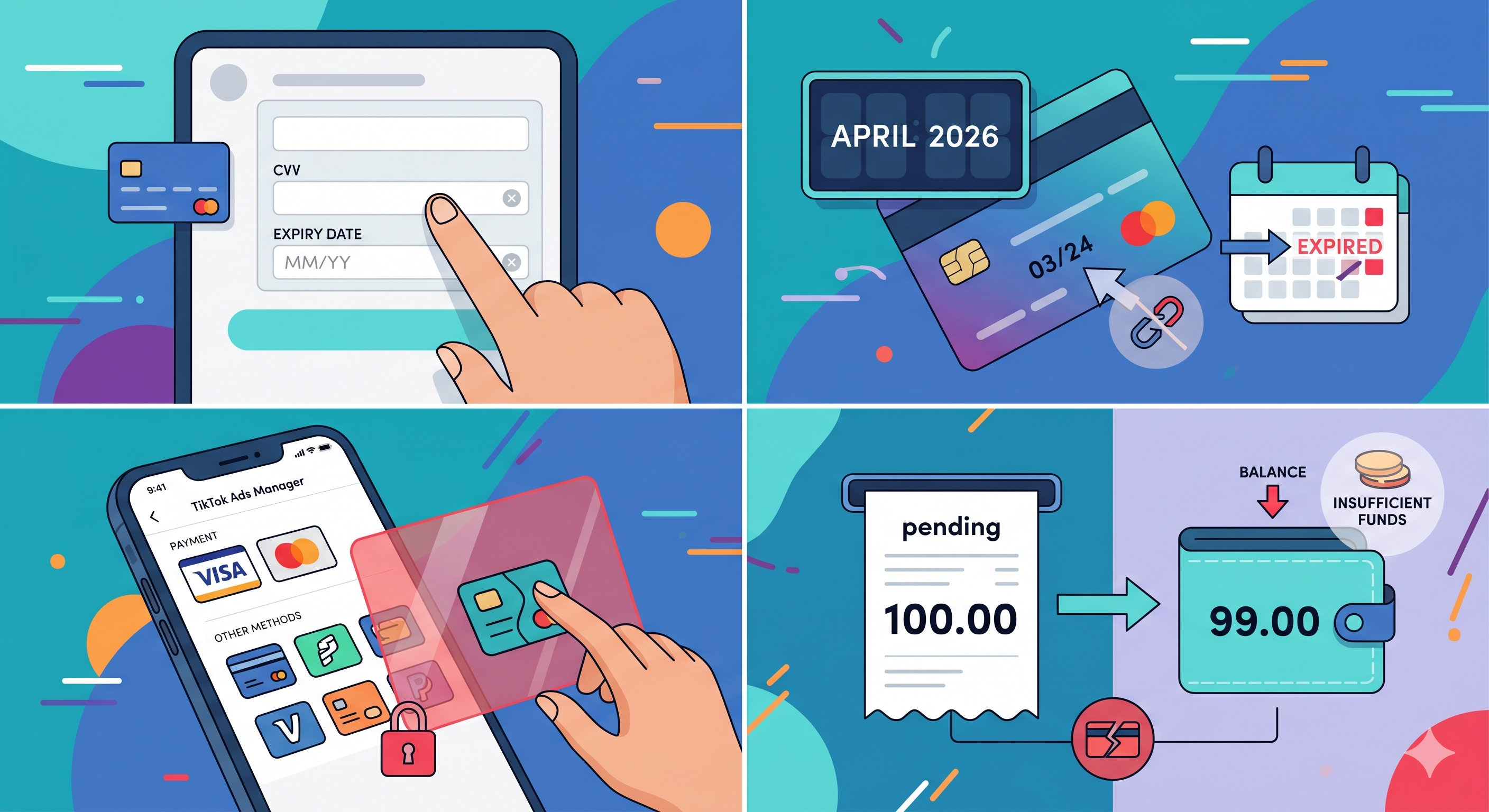
The most common culprits are often the simplest. Even if you have been using the same card for months, small changes can trigger a decline.
-
Incorrect Card Details: Double-check the basics. A mistyped CVV code or an updated expiration date (even if the card number stayed the same) will result in an immediate failure.
-
Expired Card: Cards that have reached their expiration date will naturally be declined. TikTok does not always send a proactive "your card is about to expire" notification until the payment actually fails.
-
Unsupported Payment Method: TikTok is quite specific about which payment methods it accepts based on your region. While credit/debit cards are standard, some "virtual" cards or prepaid cards from smaller fintech startups are frequently blocked to prevent fraud.
For more details on what works best, check our guide on TikTok payment methods.
-
Insufficient Funds: For those on a manual payment or automatic billing setup, ensure your balance covers the full amount of the "Pending" bill. TikTok usually attempts to charge the exact amount due; if you are even a dollar short, the transaction fails.
Bank or Provider Declines
Sometimes the issue isn't with TikTok at all, but with the financial institution issuing your credit.
-
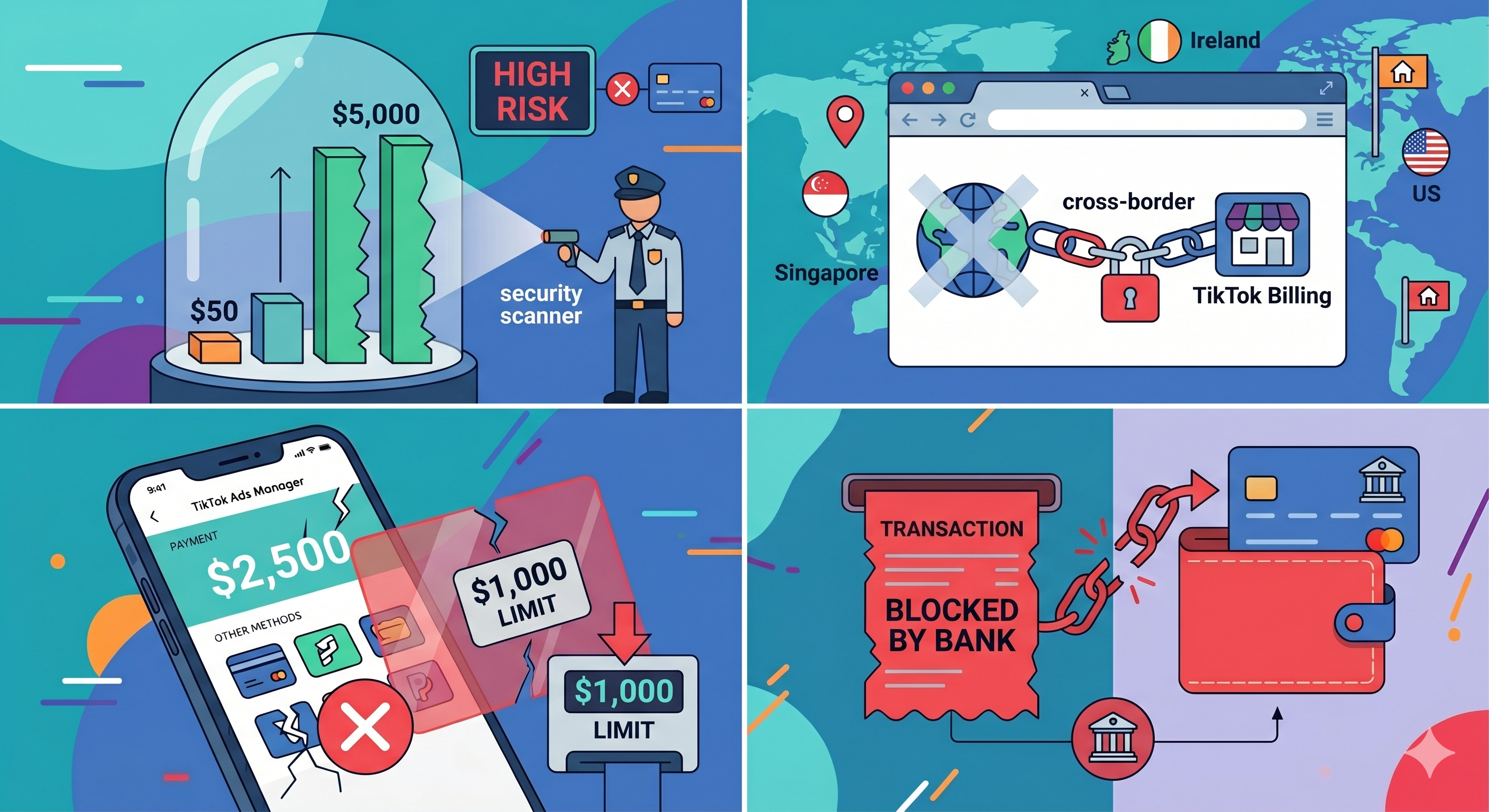
Fraud Detection Systems: Banks have aggressive algorithms to detect unusual spending. If you suddenly scale your ad spend from $50 a day to $5,000, your bank might flag the TikTok transaction as "high risk" and block it.
-
International Transaction Blocked: Since TikTok’s billing entities are often located in Singapore, Ireland, or the US (depending on your region), your bank may block the charge if your card isn't authorized for international "cross-border" payments.
-
Spending Limits: Many business cards have daily or per-transaction limits. If your TikTok billing threshold exceeds this limit, the payment will fail regardless of how much money is in the account.
TikTok Account or Billing Issues
Internal platform settings or policy violations can also prevent payments from processing correctly.
-
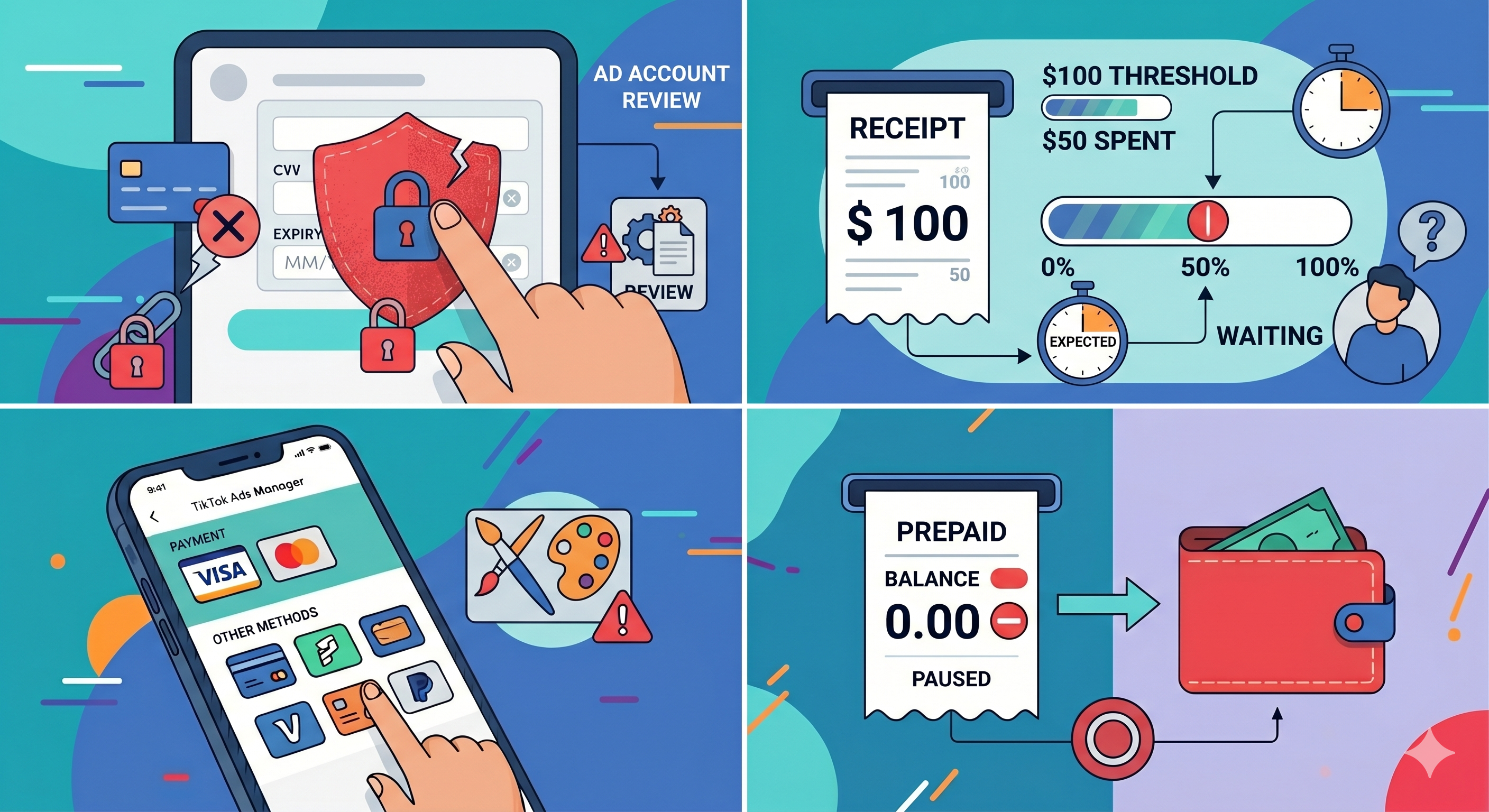
Ad Account Disabled or Restricted: If your account is under review for creative policy violations (especially common in "grey hat" niches), TikTok may lock the billing department until the review is complete.
-
Billing Threshold Not Reached: While less of a "fail" and more of a "delay," sometimes confusion arises when advertisers expect a charge that hasn't happened yet because the account hasn't hit its preset spending limit.
-
Prepaid Balance Insufficient: If you use a "Prepaid" account type, your ads will stop the moment your balance hits zero. Unlike "Postpaid" accounts, there is no grace period here.
Technical or System Errors
Occasionally, the fault lies within the digital infrastructure connecting your bank to TikTok.
-
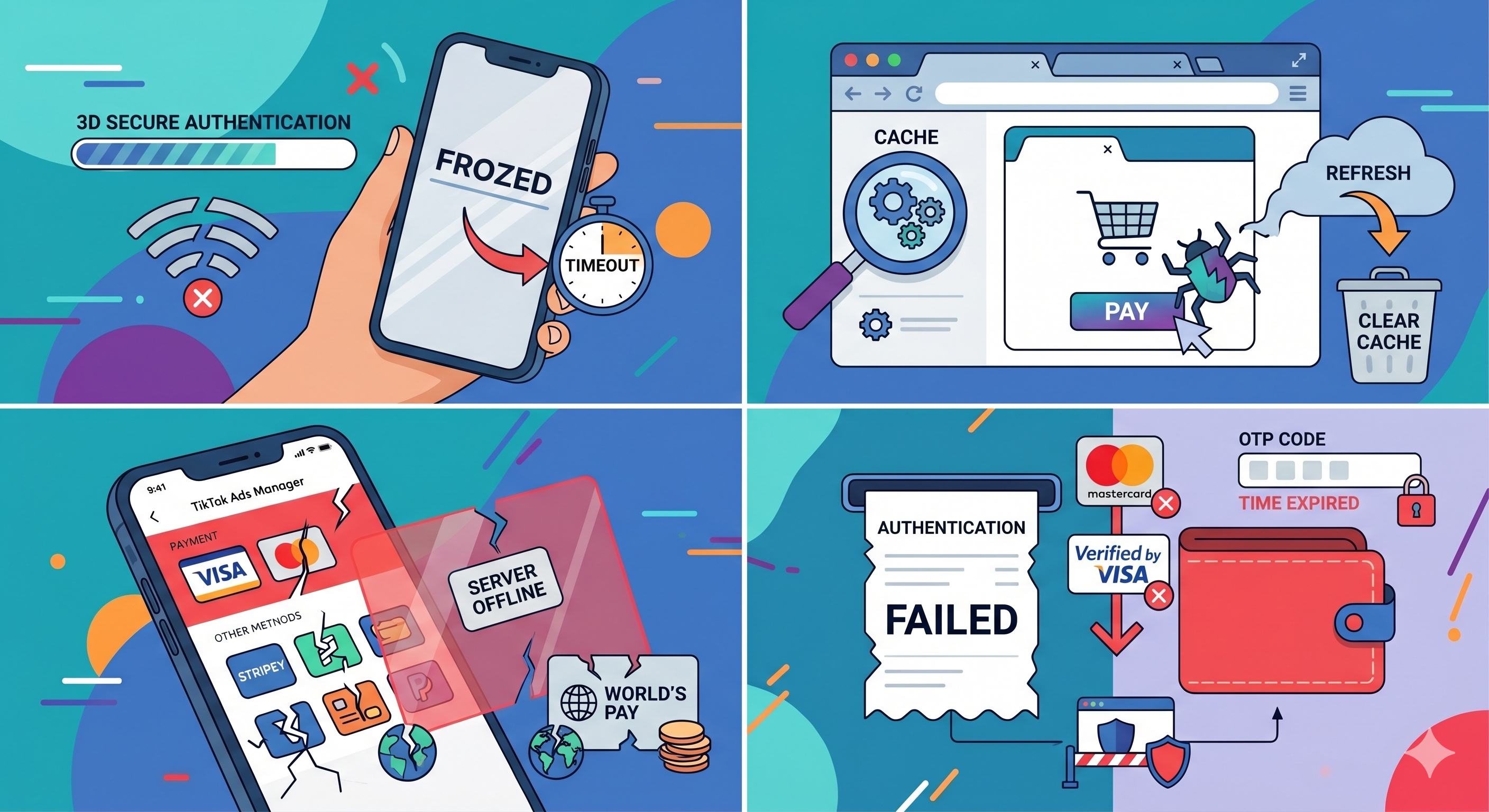
Network Instability: A weak internet connection during the "3D Secure" authentication process can cause a timeout.
-
App/Browser Bugs: Cache issues in your browser can sometimes interfere with the payment gateway.
-
Temporary Server Issues: TikTok's payment processors (like Stripe or Worldpay) occasionally experience downtime.
-
Unsuccessful Authentication: Many modern cards require "Verified by Visa" or "Mastercard ID Check" (OTP codes). If you fail to enter the code in time, or if the pop-up is blocked by your browser, the payment fails.
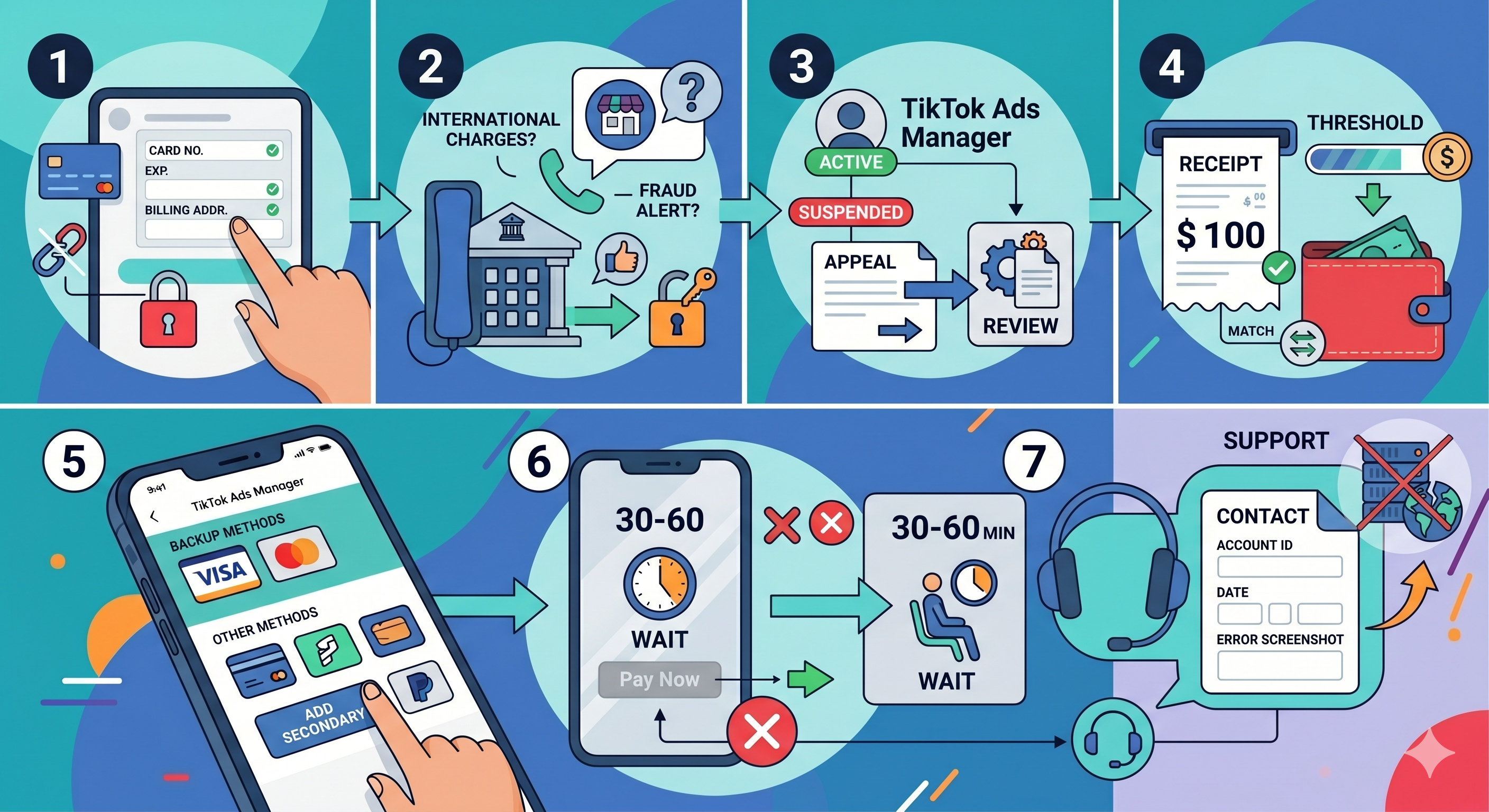
Step-by-Step Checklist to Fix TikTok Payment Failed
To resolve a "TikTok payment fail" efficiently, you should follow the official hierarchy of troubleshooting used by TikTok’s own support teams. Follow these steps to identify the quickest solution.
Step 1: Check Your Payment Details
Start with the low-hanging fruit. Navigate to Payment Methods in your TikTok Ads Manager.
-
Re-enter the Card Number to ensure no typos.
-
Confirm the Expiration Date is in the future.
-
Ensure the Billing Address matches exactly what is on file with your bank (including the ZIP/Postal code).
Step 2: Verify Your Bank or Payment Provider
If the details are correct but the payment still fails, call your bank’s business department.
-
Ask them specifically if there is a "merchant block" on TikTok.
-
Request that they whitelist international transactions from TikTok.
-
Confirm no fraud alerts are pending on your account that require manual approval.
Step 3: Review Your TikTok Account Status
Check the Account Settings tab.
-
Ensure your Ad Account Status is marked as "Active."
-
If it says "Under Review" or "Suspended," you must resolve the policy appeal before you can process payments.
Step 4: Check Billing Setup
Verify your currency and threshold settings.
-
Ensure your Account Currency matches the currency of your credit card to avoid excessive conversion failures.
-
If you are on "Automatic Payment," check your current Billing Threshold. Sometimes manually paying a small portion of the balance can "wake up" the system.
Step 5: Try Alternative Payment Methods
If one card continues to fail, add a secondary payment method. Experts recommend having at least one Backup Credit Card and, if available in your region, a PayPal account linked. Switching to a different card issuer (e.g., from a Visa to a Mastercard) often bypasses local banking blocks.
Step 6: Retry After Some Time
If you suspect a system error, wait 30 to 60 minutes before trying again. Repeatedly clicking "Pay Now" within a few minutes can lead to a temporary "Rate Limit" ban, where TikTok’s system automatically blocks all attempts from your IP address for 24 hours.
Step 7: Contact TikTok Support
If all else fails, open a support ticket through the "Customer Support" icon in Ads Manager. Be sure to provide:
-
Your Ad Account ID.
-
The date and time of the failed transaction.
-
The specific error code or screenshot of the failure message.
How to Prevent TikTok Payment Failures
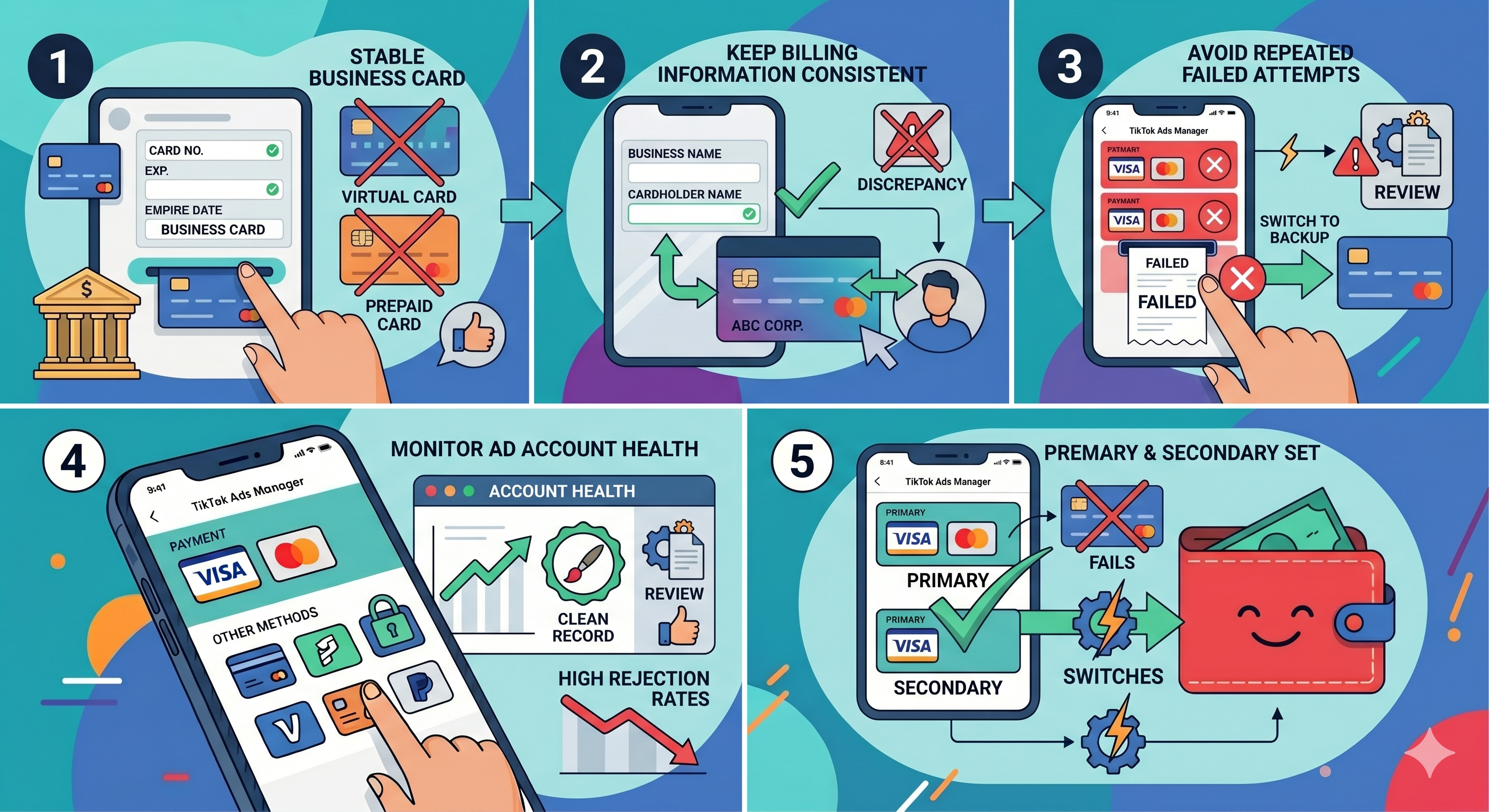
For professional advertisers, prevention is much cheaper than a cure. A payment failure during a scaling phase can ruin your ROAS. Use these advanced strategies to keep your account running smoothly.
Use Stable Payment Methods
Avoid using virtual "one-time use" cards or low-tier prepaid cards. Stick to Business Credit Cards issued by major global banks. These have higher trust scores within TikTok’s risk engine.
Keep Billing Information Consistent
Ensure the name on the credit card matches the Business Name in your TikTok Ads Manager. Discrepancies between the cardholder name and the account owner name are a frequent trigger for manual account reviews and payment blocks.
Avoid Repeated Failed Attempts
If a payment fails twice, stop. Do not try a third time. Repeated failures trigger an "anti-fraud" lock on your account that can last for days. Instead, switch to a backup card or wait until you have spoken with your bank.
Monitor Ad Account Health
Check your Account Quality dashboard regularly. An account with high "Ad Rejection" rates is more likely to face billing scrutiny. Maintaining a clean record with your creatives makes the billing system less likely to flag your transactions as suspicious.
Prepare Backup Payment Methods
Always have a Primary and a Secondary payment method set up in Ads Manager. TikTok allows you to set a backup card that will be automatically charged if the primary one fails. This redundancy is the best way to ensure your ads never stop running due to a bank-side "hiccup."
FAQs
1. Why does TikTok say "Transaction Declined" when I have enough money?
This is usually a bank-side security measure. Many banks block high-frequency or high-value digital advertising charges by default. Contact your bank to authorize TikTok as a trusted merchant.
2. Can I use PayPal for TikTok Ads?
Yes, in most major regions (US, UK, EU), PayPal is an accepted payment method. It is often more stable than direct credit card entries because it adds a layer of verification that TikTok trusts.
3. How long does it take for ads to start again after I pay the balance?
Usually, your ads will resume within 15 to 30 minutes of a successful payment. However, if your account was paused for more than 24 hours, it may take a few hours for the "Delivery" status to update across all campaigns.
4. Will a failed payment affect my ad performance?
Directly, no. Indirectly, yes. The pause in delivery breaks the "learning phase" of your ad sets, which can lead to higher CPAs once the ads restart. Consistency is key to TikTok’s algorithm.
5. Is there a limit to how many cards I can add to my TikTok account?
TikTok generally allows you to add up to 5 payment methods. However, adding and removing cards too frequently can trigger a security flag.